
We have completed the connector to move Zendesk Tickets from Zendesk to Salesforce. To see the tickets from Salesforce you simply look under the Account.
It is probably easier to look at an example. To find the tickets for an Account you will need to search for the account and then go to the list of Zendesk Tickets. Search for the “The Hertz Corporation” in salesforce. Once you have the account then click on the Zendesk Tickets.
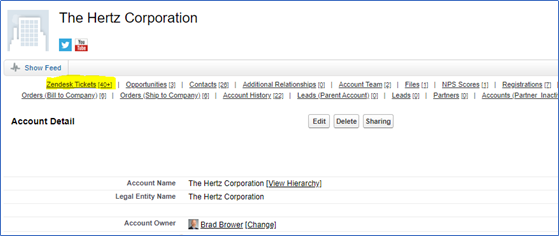
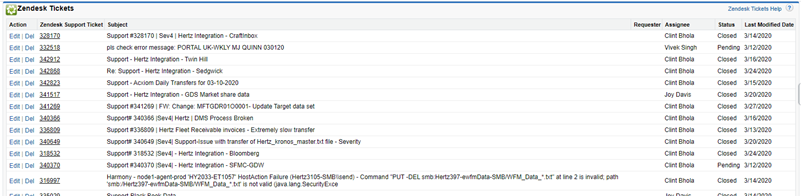
Next Click on the Zendesk Tickets to see the tickets for Hertz. This will show you the Zendesk ticket number, Subject of the ticket, person who sent in the ticket, Status, and Last Modified Date.
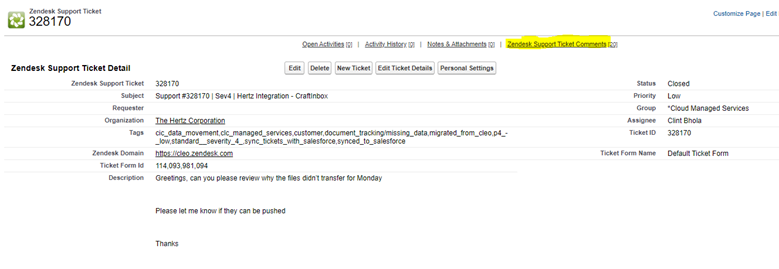
If you need to see the details on the ticket, not a problem. Just click on the Zendesk Ticket Number. This will display the ticket details along with all of the conversations back and forth between the Cleo Support Agent and the Customer.
Comments
0 comments
Please sign in to leave a comment.