
Beginning on April 18th 2020, the CloudExtend app for Excel will be updated to include a new login procedure.
See video below for an example of the new login process.
Notes:
- To login to NetSuite Production instance - choose 1117767
- To login to NetSuite Sandbox instance - choose 1117767_SB1
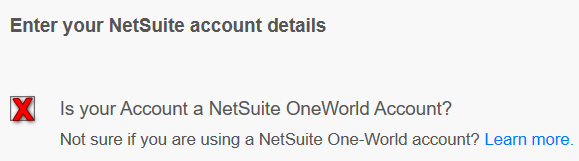
- Ensure you select the checkbox to indicate it is a NetSuite OneWorld Account
- Continue below to see screen shots of the process to login to Cleo's NetSuite Production instance
__________________________________________________________________________________________________________
| Note: After successfully logging in, you can select the "Don't show this page again" checkbox to skip this step in the future. |  |
|
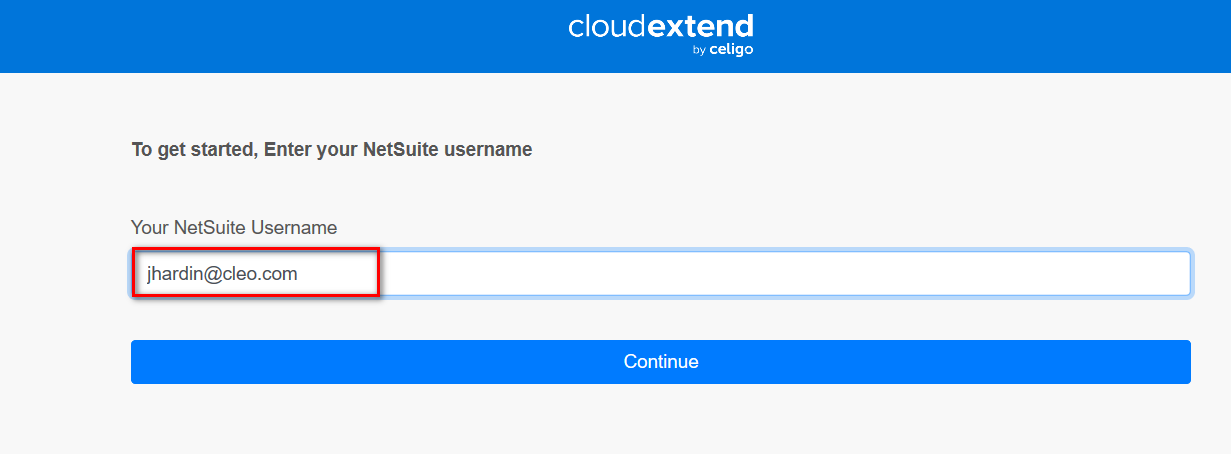
Enter Netsuite Username. Note: You may be redirected to OneLogin after this step in order to authenticate. |
 |
| Select Netsuite instance to login to. | 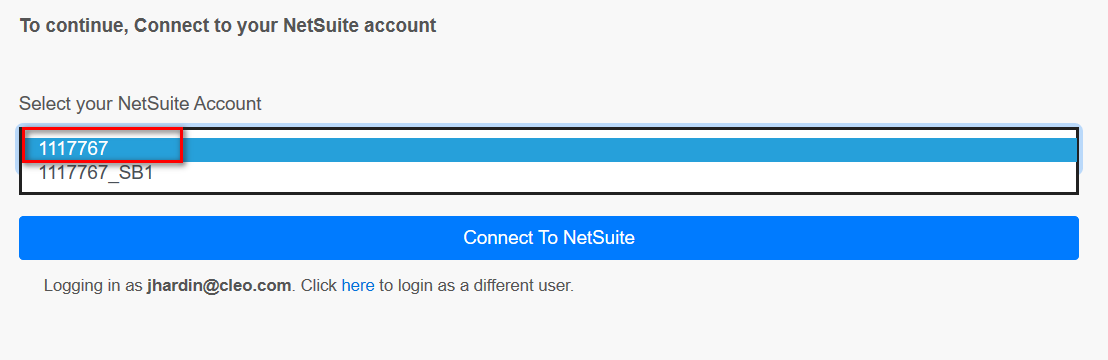 |
| Select Allow | 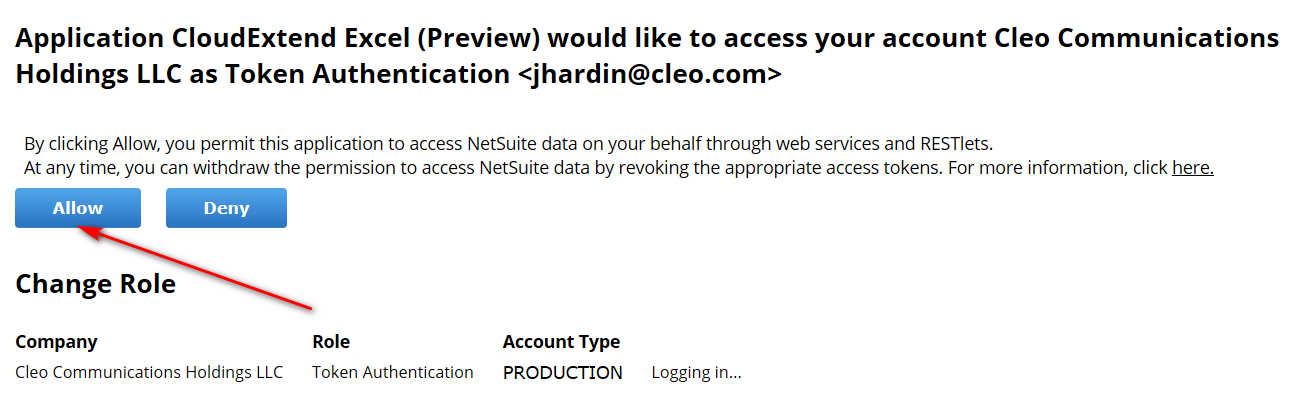 |
| Cleo has a OneWorld NetSuite account, so you must select this checkbox before continuing. | 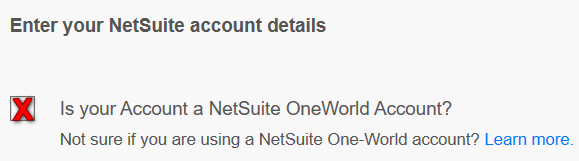 |
Comments
0 comments
Please sign in to leave a comment.