
I was working with Tim in sharepoint and the site we were working on, I was a site admin and he was not.
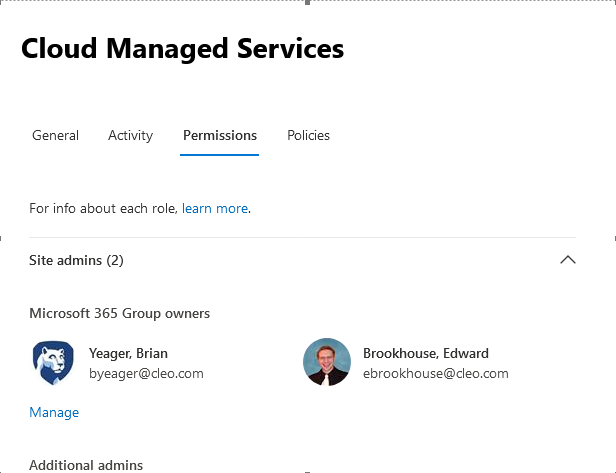
So I was the only one that could help with the issue. We were both asking why was he not a site admin.
So I did some research, we as o365 admins do not automatically get site admin rights, it is usually the person who creates the site and they then grant permissions as needed.
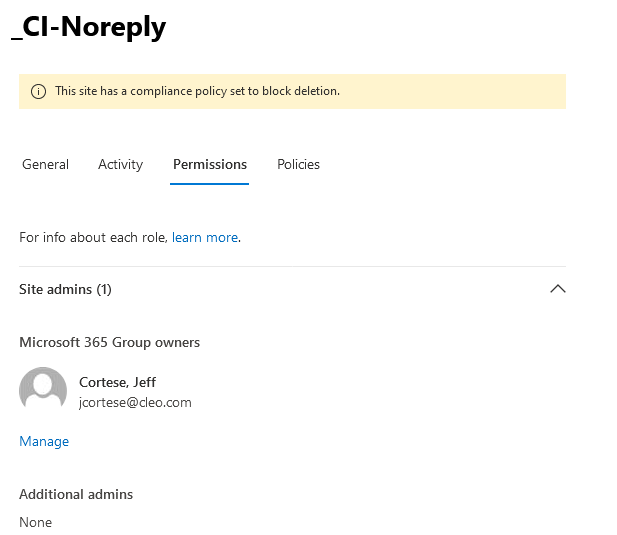
But as o365 admis we have a way to add ourself as a site owner to help figure out issues. This is done by the sharepoint admin center.
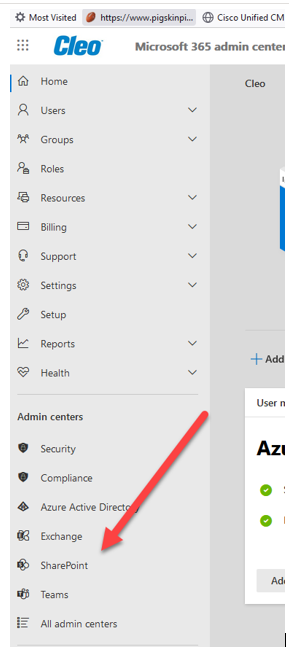
How do I make someone an admin in Sharepoint 365?
To do this:
- Navigate to SharePoint Admin Center, by clicking on SharePoint under Admin Centers.
- Click on checkbox next to the site collection and then Owners button.
- In the pop-up, under Site Collections Administrators section, type the name of the individual and then click OK.
Feb 12, 2018
I think there is a way to have us automatically become a site owner, but this needs to be setup. This is for another day.
Comments
0 comments
Please sign in to leave a comment.