
The following process will assist you in setting up a meeting in Outlook and being able to see the calendars for invitees of the meeting.
To get started you will open your Calendar in Outlook. Select the time you would like to schedule the meeting in your Calendar and then right click on New Appointment.
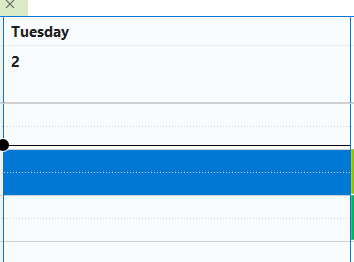
Once you click on New Appointment a window will come up to schedule the meeting.
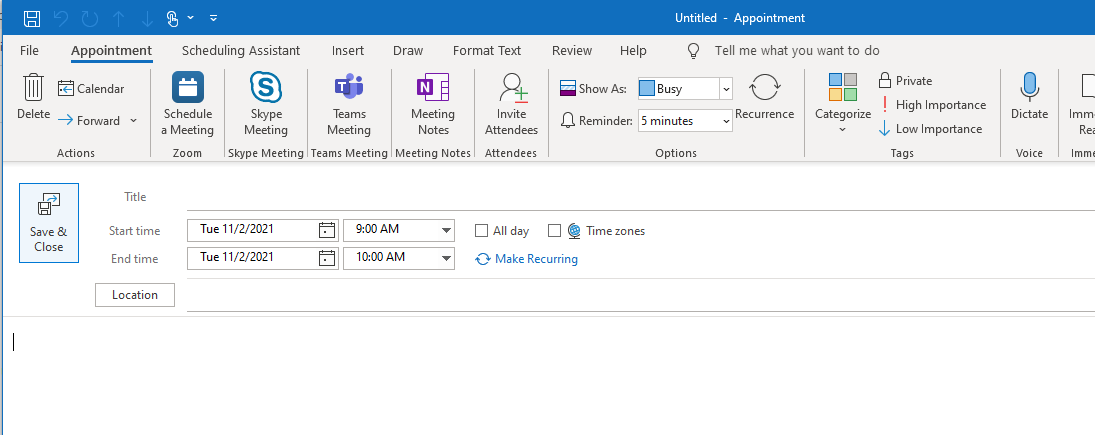
Enter the details of the meeting such as Title and Location.
To invite individuals and to see their availability, you will click on Scheduling Assistant at the top of the page and the following page will be displayed.
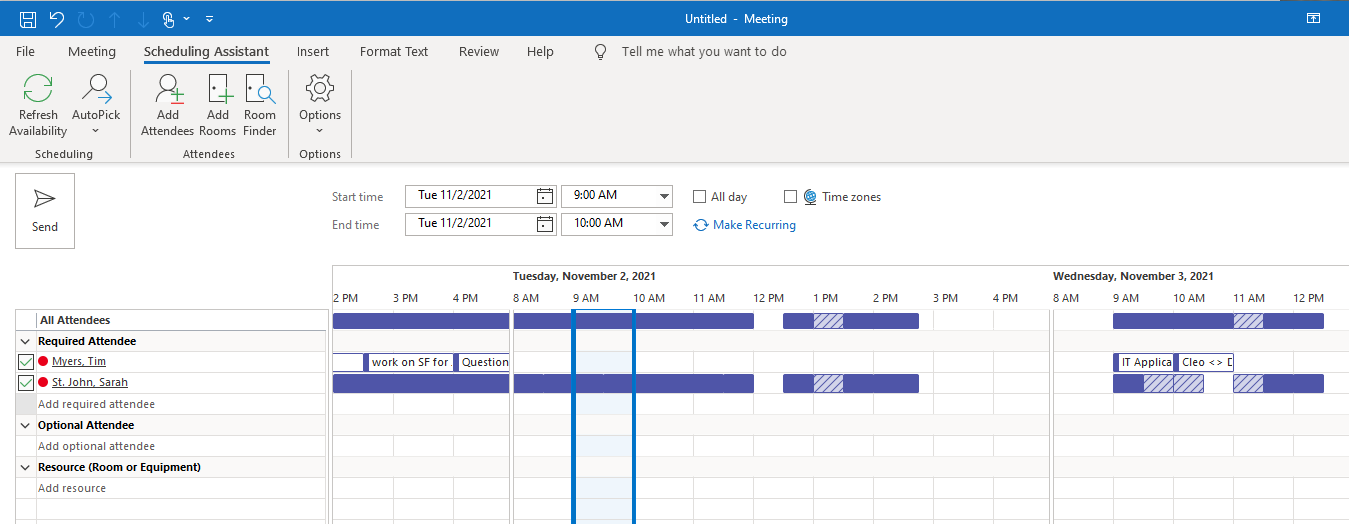
As you can see, Tim Myers is the host of the meeting and you will be able to see your calendar. In addition I have invited Sarah to the meeting and the system will display her availability. As you can see Sarah is not available for the time I chose. (9 to 10AM) However she does have availability from 3 to 4PM. To move the meeting just click on 3PM and it will move the meeting for you and update the times.
Once you have the meeting setup, simply hit send and the invites will be notified.
Comments
0 comments
Please sign in to leave a comment.