
When there is Software requested by individuals at Cleo, IT will reach out to the Budget owner for permission to purchase the software/license.
IT will send out an Email that looks like the following:
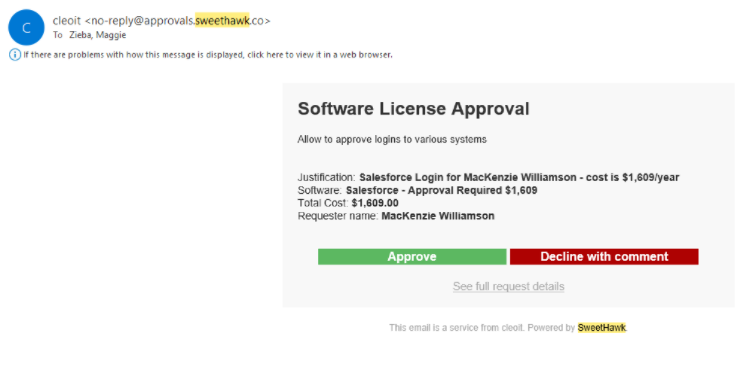
If you approve this purchase, you will hit the Green Button. This will notify IT so that we can purchase the license and setup the user in the system. If you do not approve then you will hit hte Red Button thus cancelling the request.
IT will not be able to move forward with the request until you decide if this is approved or not.
Comments
0 comments
Please sign in to leave a comment.