
First go to Zendesk and see if the user already exist. You can use the search bar in the upper right.
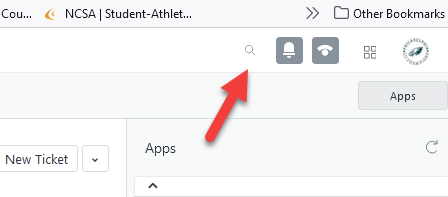
If the user does exist, you just need to edit the user.
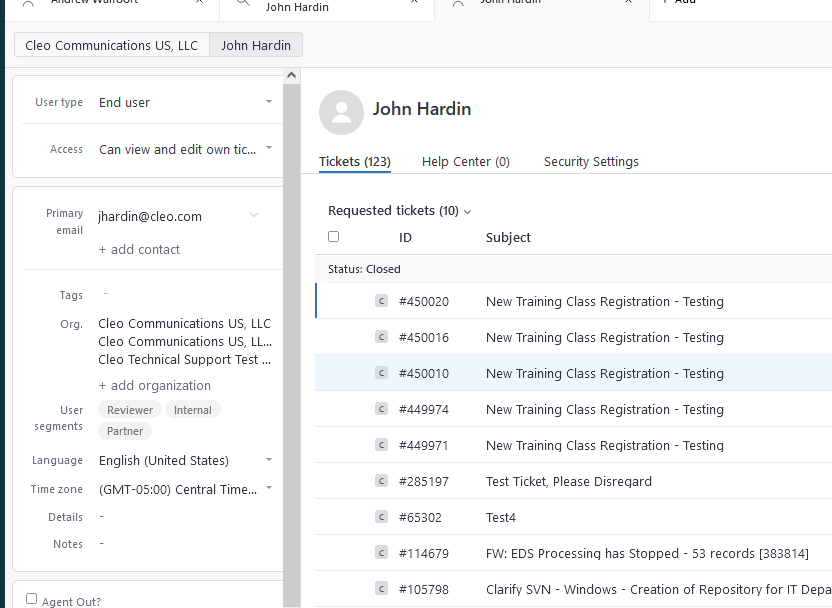
Click on the User Type
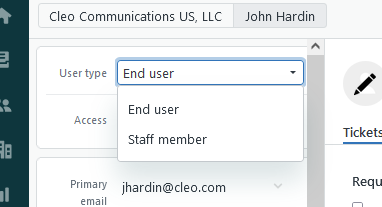
Click on Staff member, then click "Yes, upgrade this user"
Then go into the "Manage in Admin Center"
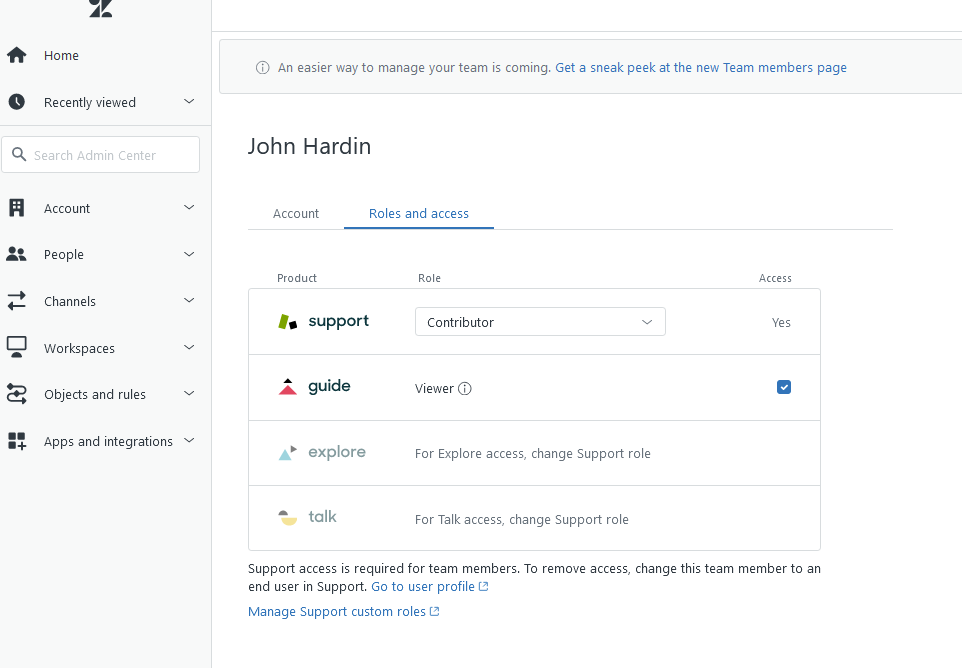
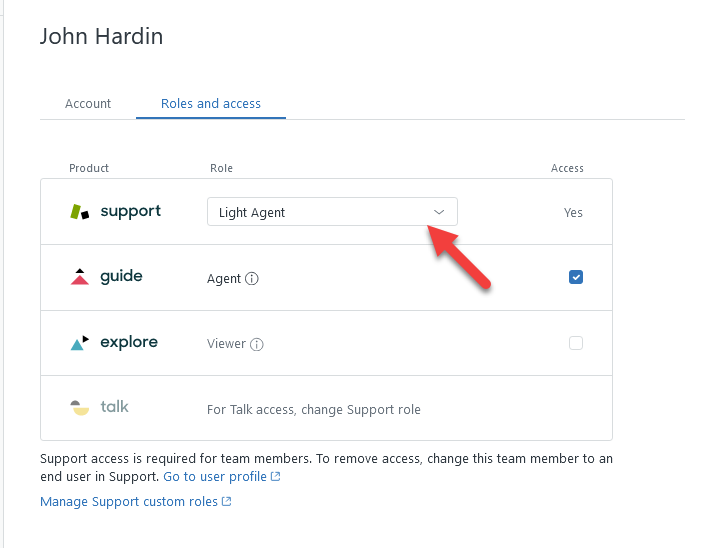
Click on the support Role and change it to Light Agent
f you need to add an user.
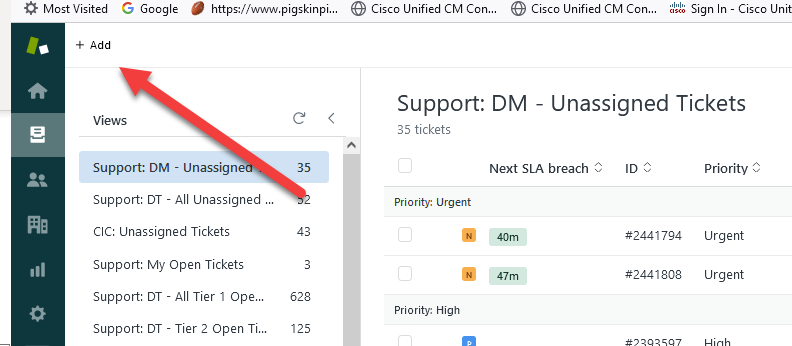
Click on User:
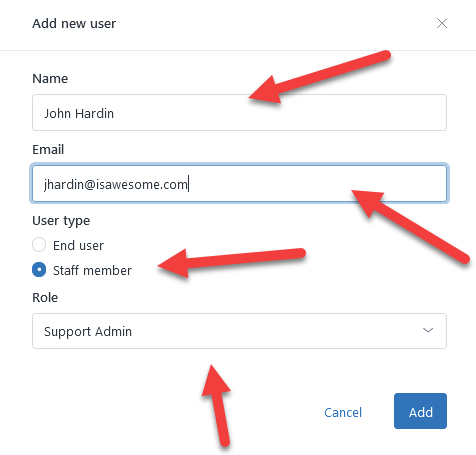
Add the User Name, Email.
Pick "Staff Member" and then pick the correct Role, in this case it is Light Agent
Then go back to the user record.
Click on Groups
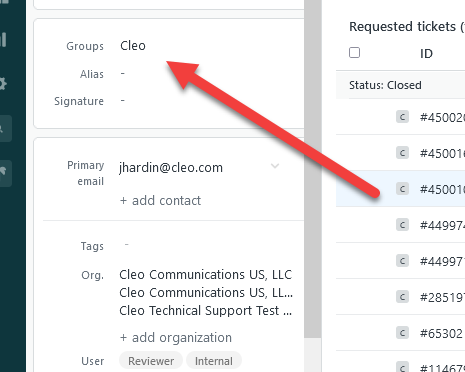
Only assign the *Ticket Viewing and the Cleo group.
You now need to go into the best SSO tool, One-Login. Go into the Admin -> Users section. Search for the user:
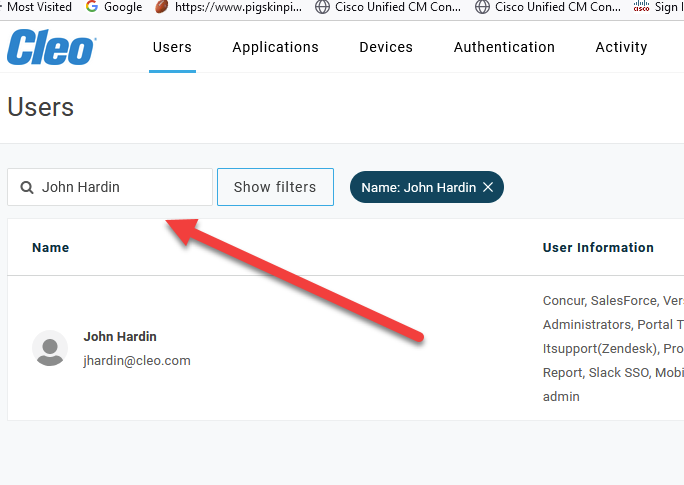
Select the User and go to Applications, find Zendesk and click it on.
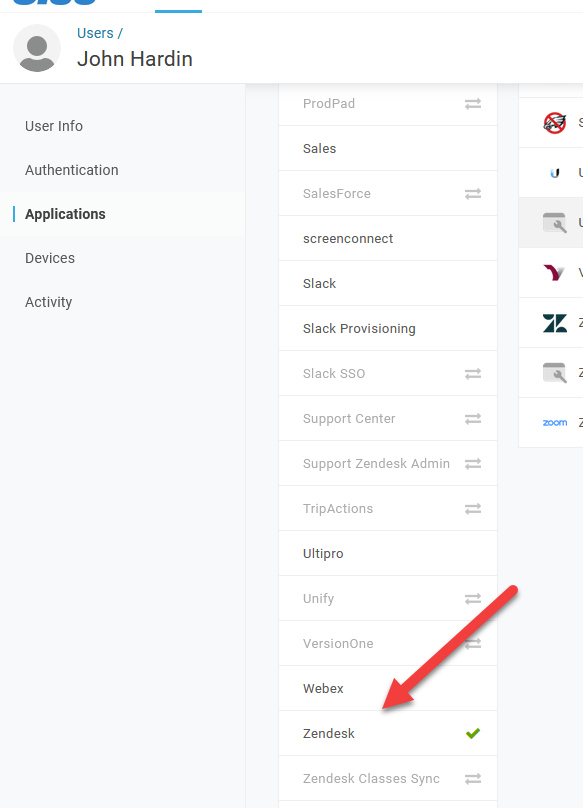
Save the user and you now have setup a light agent in ZD.
I
Comments
0 comments
Please sign in to leave a comment.